
Confused about the “Collate” option on your printer? Wondering exactly what does collate mean when printing? You’re not alone. Many users see the collate printing checkbox and don’t realize how much it can simplify printing multi-page documents. Understanding the collate meaning can save you time, prevent mistakes, and ensure every set of documents comes out in perfect order.
Whether you’re printing reports, assignments, presentations, or client materials, knowing what does collate mean when printing helps you avoid the frustration of manually sorting pages and keeps your workflow smooth and professional.

Quick Overview Table
| Feature | Meaning | Best For |
|---|---|---|
| Collate ON | Prints full sets in correct order (1–2–3, 1–2–3) | Reports, assignments, client documents |
| Non-Collate | Prints pages in groups (1–1–1, 2–2–2, 3–3–3) | Bulk copies, single-page documents |
| Purpose | Keeps multi-page documents organized | Saves time & reduces mistakes |
What Does Collate Mean When Printing?
Collate printing refers to printing multiple copies of a multi-page document in complete sets, so that each copy comes out in the correct order.
Example: Document has 3 pages (1,2,3) and you want 5 copies.
- Collate ON: 1-2-3, 1-2-3, 1-2-3, 1-2-3, 1-2-3
- Collate OFF: 1-1-1-1-1, 2-2-2-2-2, 3-3-3-3-3
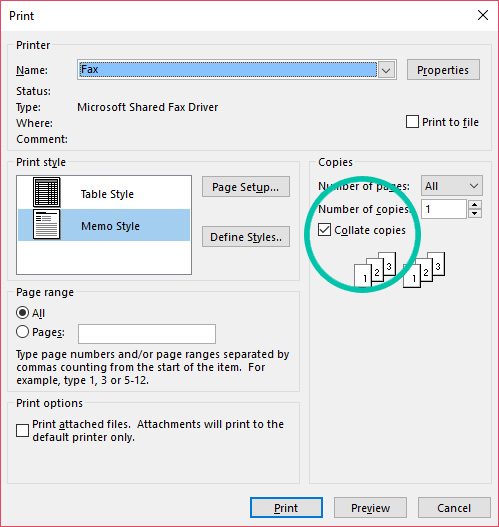
Collating ensures ready-to-use sets without manual sorting.
Visual Guide / Flowchart Suggestion
Collate ON:
Copy 1: Page1 -> Page2 -> Page3
Copy 2: Page1 -> Page2 -> Page3
Copy 3: Page1 -> Page2 -> Page3

Collate OFF:
Page1: Copy1, Copy2, Copy3
Page2: Copy1, Copy2, Copy3
Page3: Copy1, Copy2, Copy3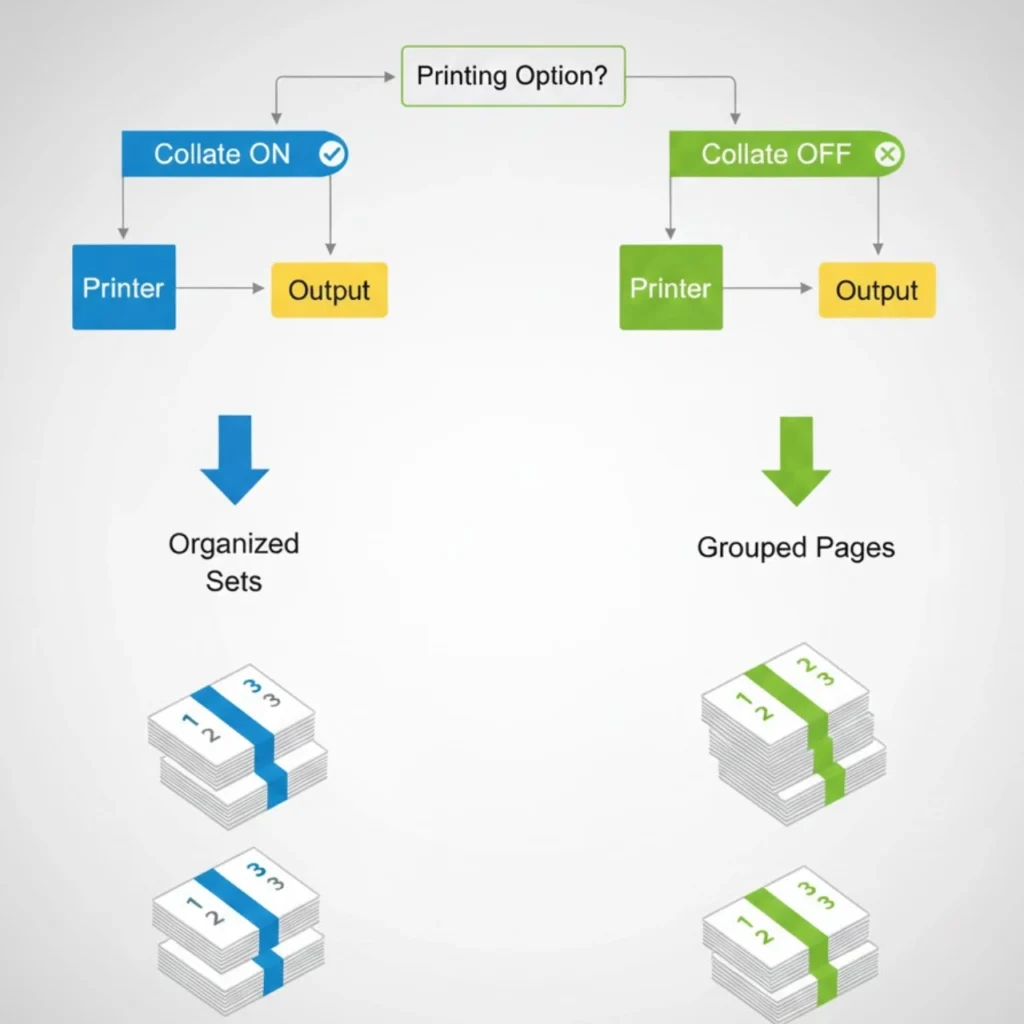
Collate Printing Examples
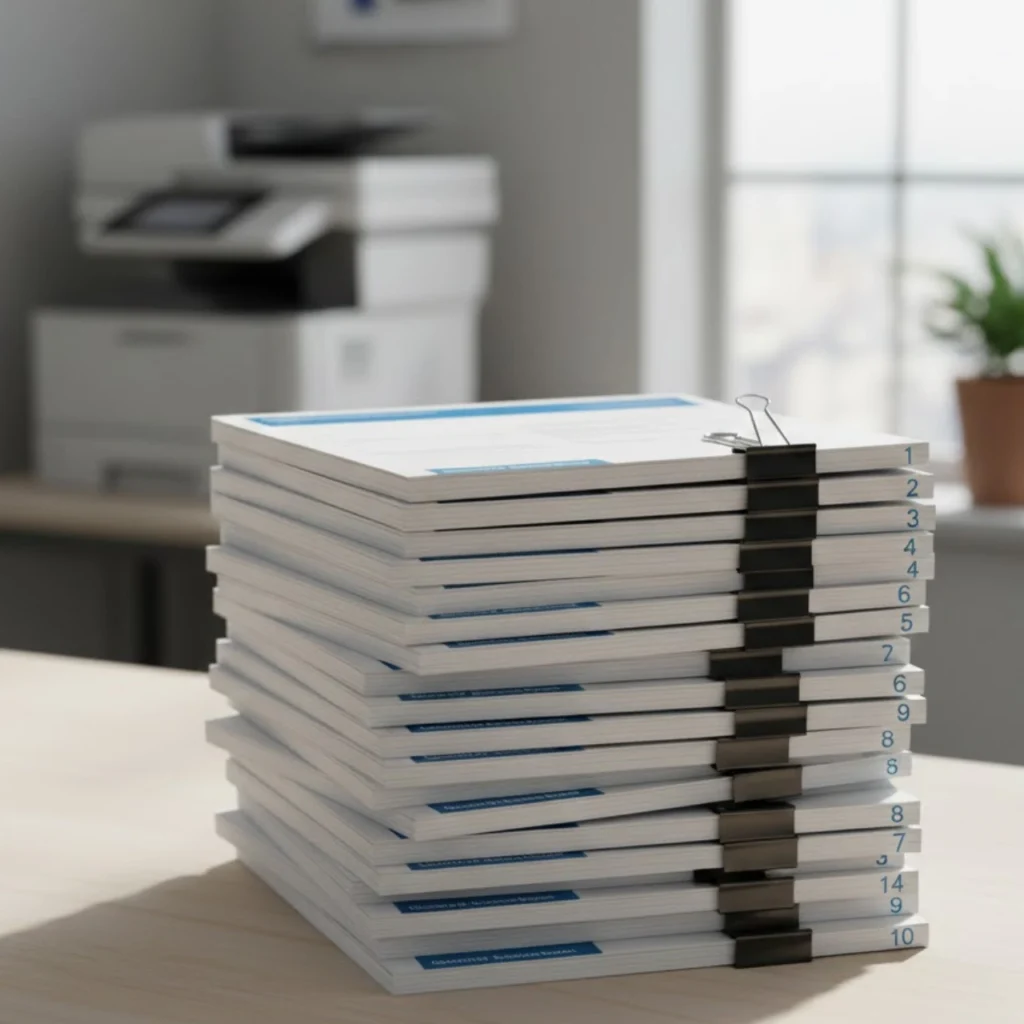
Example 1: School Assignment (10 pages × 4 copies)
- Collated: 4 ready-to-submit sets, pages 1–10 in each
- Non-Collated: All page 1 together, all page 2 together → manual sorting needed

Example 2: Office Report (25 pages × 10 copies)
- Collated ON: Each participant receives complete report
- Non-Collated: Separate piles of page 1, page 2… → time-consuming
Example 3: Flyers (Single Page × 500 copies)
- Collate doesn’t matter → ON or OFF same result
Collated vs Non-Collated vs Group Printing
| Feature | Collated Printing | Non-Collated Printing | Group Printing |
|---|---|---|---|
| Page Order | Complete sets | Page groups | Pages grouped by type/category |
| Time Saving | Yes | Only single-page docs | Moderate |
| Manual Sorting | No | Yes | Sometimes |
| Best Use | Multi-page printing | Bulk single-page | Mixed content printing |
| Ideal For | Offices, schools, reports | Flyers, forms | Specialized printing needs |

What Does Collate Mean When Printing Double-Sided?
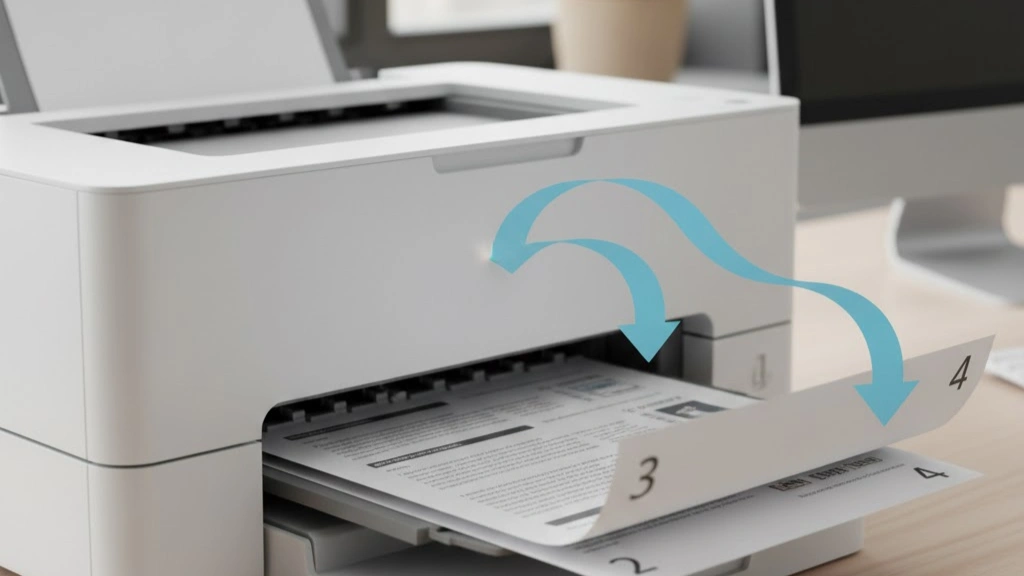
Double-sided + collate ensures front/back pages are in sequence.
Example:
Page1 front/back → Page2 front/back → Page3 front/back…
- Saves time sorting and reduces misalignment.
Should I Collate When Printing?
- Collate ON: Multi-page documents, multiple copies, professional sets
- Collate OFF: Single-page bulk printing, flyers, worksheets, low-memory printers
How to Collate When Printing
Windows
- Open document → Ctrl + P
- Select printer
- Look for Collate checkbox under Copies
- Turn ON/OFF → Print

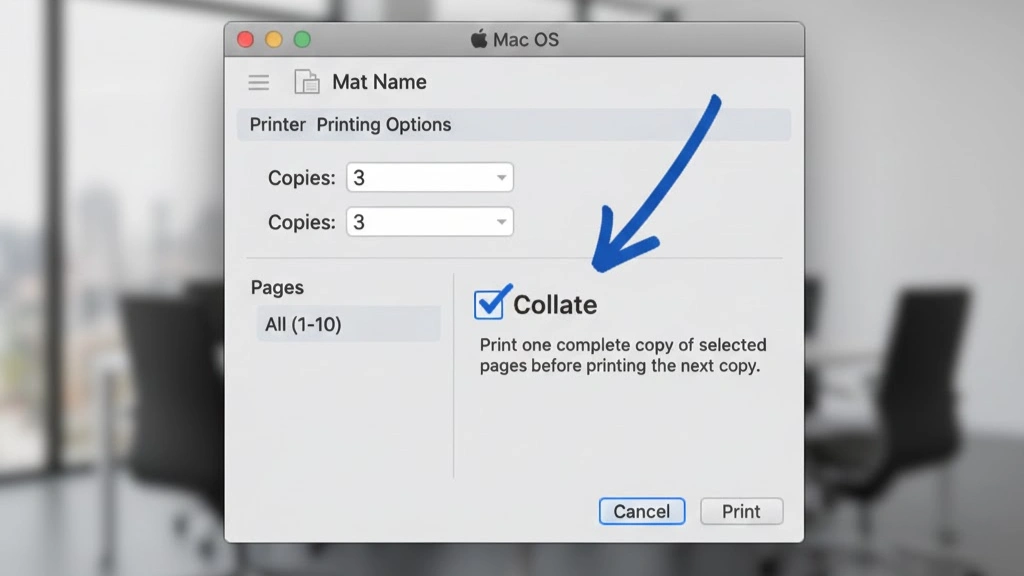
Mac
- File → Print
- Copies section → Collate checkbox
- Turn ON/OFF → Print
PDF / Google Docs
- Collate option appears when you increase number of copies
- Works for email printouts and web pages
Real-Life Scenarios
- Office Meeting: 20 copies of multi-page report → collate ON saves 30 minutes
- Classroom: 50 students, 5-page assignments → collate ON prevents sorting errors
- Small Business: Double-sided invoices → collate ON ensures sequential order
Bonus Tips for Efficient Printing
- Check printer memory → avoid jams on large documents
- Print in batches for heavy workloads
- High-quality paper → reduces misfeeds
- Double-check page order before printing
- Save ink/toner → collated printing avoids unnecessary repeats
Manual vs Automated Collation
- Manual: Printer outputs uncollated → sort pages by hand
- Automated: Advanced office printers arrange pages automatically
- Ideal for high-volume or multi-page reports
FAQs
1. What does collate mean when printing?
Answer: Printing multiple copies of a multi-page document in full, ordered sets.
2. Should I leave collate ON or OFF?
Answer: Multi-page documents → ON; Single-page bulk → OFF
3. What does uncollated mean when printing?
Answer: Pages printed in groups by number (111, 222, 333)
4. Collate vs uncollated printing — what’s the difference?
Answer: Collated = set-wise; Uncollated = page-wise
5. Collate vs group printing — which to use?
Answer: Collate for sequential multi-page sets, Group for content-specific batches
6. What does collate mean when printing double sided?
Answer: Maintains correct front/back page order
7. What does collate mean in Spanish?
Answer: “Ordenar” or “Recopilar en orden”
8. What if the printer doesn’t have enough memory?
Answer: Print in smaller batches or split document into two files
9. Collate printing example — simple scenario?
Answer: 3-page document × 2 copies → 1-2-3, 1-2-3
10. Do I want to collate when printing?
Answer: Yes, if your document has multiple pages and you want ready-to-use sets.
11. What happens if I don’t collate?
Answer: Pages will print in groups by number (111, 222, 333), requiring manual sorting.
12. When should I use collate?
Answer: Multi-page reports, assignments, presentations, or client documents.
13. Collate printing example
Answer: 3-page document × 2 copies → Collate ON: 1-2-3, 1-2-3; Collate OFF: 1-1, 2-2, 3-3
14. What does collate mean when printing reddit?
Answer: Users discuss that collate helps avoid manual sorting, especially for multi-page copies.
15. How to turn off collate on printer
Answer: Windows/Mac: Print dialog → Copies → Uncheck “Collate” → Print
Optional Downloadable Guide
- Quick Collate Printing Cheat Sheet PDF
- Include tips, flowchart, and step-by-step instructions for beginners
- Helps users keep the article handy offline
Check Also Other Site: go21 tracking | apdcl org | speedx tracking
Conclusion
Understanding what does collate mean when printing can save time, reduce mistakes, and make multi-page printing stress-free and professional.
- Collate ON: Multi-page reports, assignments, presentations, client documents
- Collate OFF: Single-page bulk printing, flyers, forms
Use collate printing wisely to improve workflow efficiency, prevent manual sorting, and deliver perfectly organized documents every time.